
Create interactive experiences for real‑world skills
Turn your own content and expertise into AI‑powered practice for communication, decision‑making and professional judgment.
Trusted by educators at








New this fall
A new way to build
Until now, building in Affinity meant choosing building blocks and designing each screen by hand. The new authoring experience starts from a description instead. Tell the assistant what you want learners to practise, answer a few questions, and a complete first draft is built for you to refine.
-
Step 1
Start by chatting
Start with a short description of the learning experience you have in mind, or by uploading existing materials. The assistant asks a few clarifying questions about your content, learners and objectives.
-
Step 2
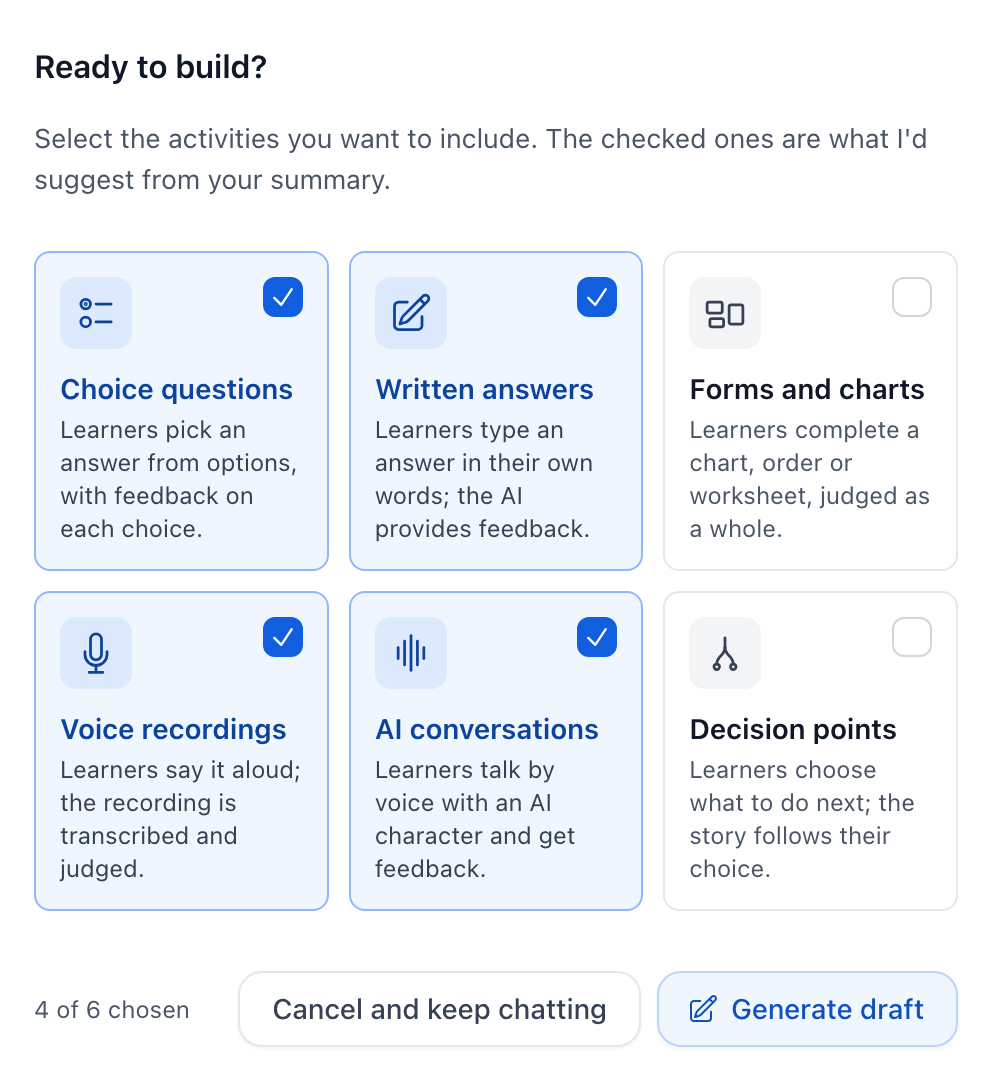
Choose the activities
Once the assistant has what it needs, it shows a summary of what it will build and suggests activities for it. Keep its picks or choose your own, then press Generate draft.
-
Step 3
Watch the first draft build
The build runs in stages: planning the learning experience, designing each screen, reviewing the set for consistency and accessibility, and revising any screen that doesn't fit. It takes a few minutes. Watch it in the chat, or come back when it's done.
-
Step 4
Edit by hand
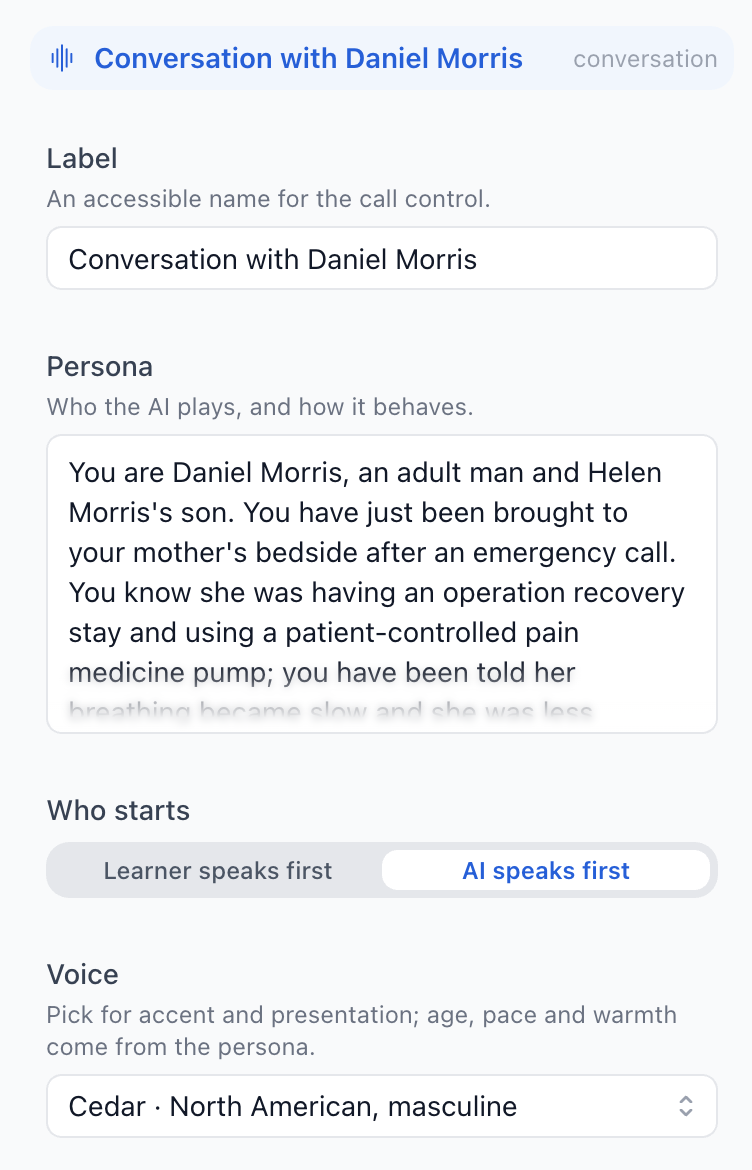
The first draft is a starting point, and everything in it can be changed by hand. Click any text on a screen and edit it in place. Click any element to open its settings: a question's choices and feedback, the criteria the AI marks a written answer against, who an AI character is and how they speak. Switch to Interact to try the screen as a learner would.
-
Step 5
Publish when you're ready
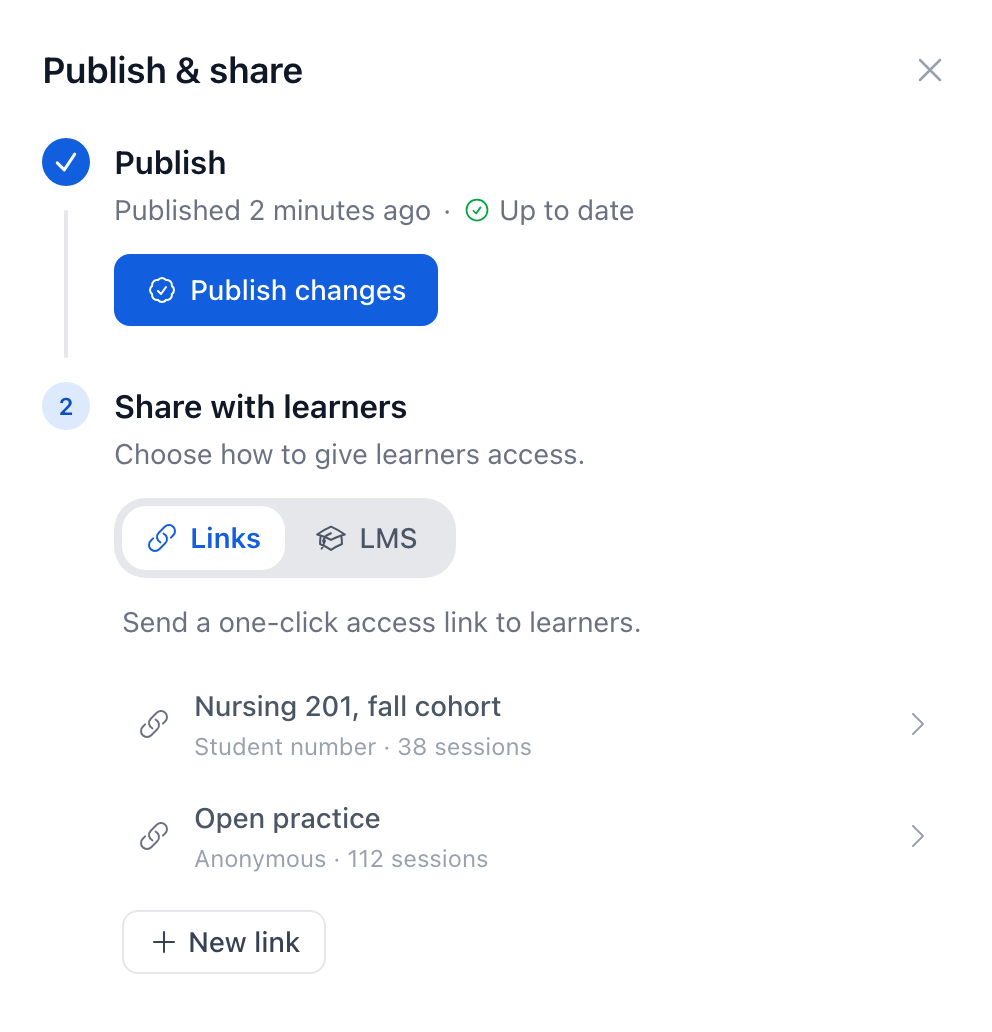
Edits stay in your draft until you press Publish. Share with a link, or add the learning experience to your LMS course through LTI, with completion sent back to the gradebook. Learners pick up where they left off, and anyone part‑way through finishes on the version they started.
Try an example
Each of these opens as a learner would see it.
-

New Experience
Surgical ward deterioration at 2 a.m. (opens in a new tab)
A patient a day past surgery is hard to rouse. Recognise the deterioration and escalate safely. About 10 to 15 minutes.
-
Classic Editor
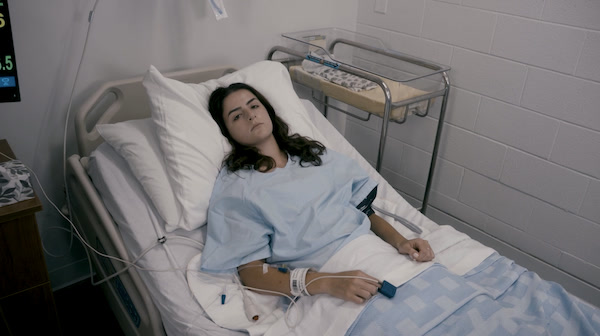
Blood transfusion (opens in a new tab)
A filmed nursing scenario with scored decisions along the way.
Adapted from Blood Product Transfusion by Colleges and Institutes Canada, CC BY-SA.
Talk to us
Want to see a learning experience built from your own material, or set up a pilot for a program? Write to us and we'll reply by email, usually the same day.
Or email [email protected] directly.